

Features Customer portal
A portal that answers your clients’ emails for you.
Give verified shippers and 3PL clients their own login to follow their deliveries and pull their own proof, instead of emailing your dispatchers for updates.
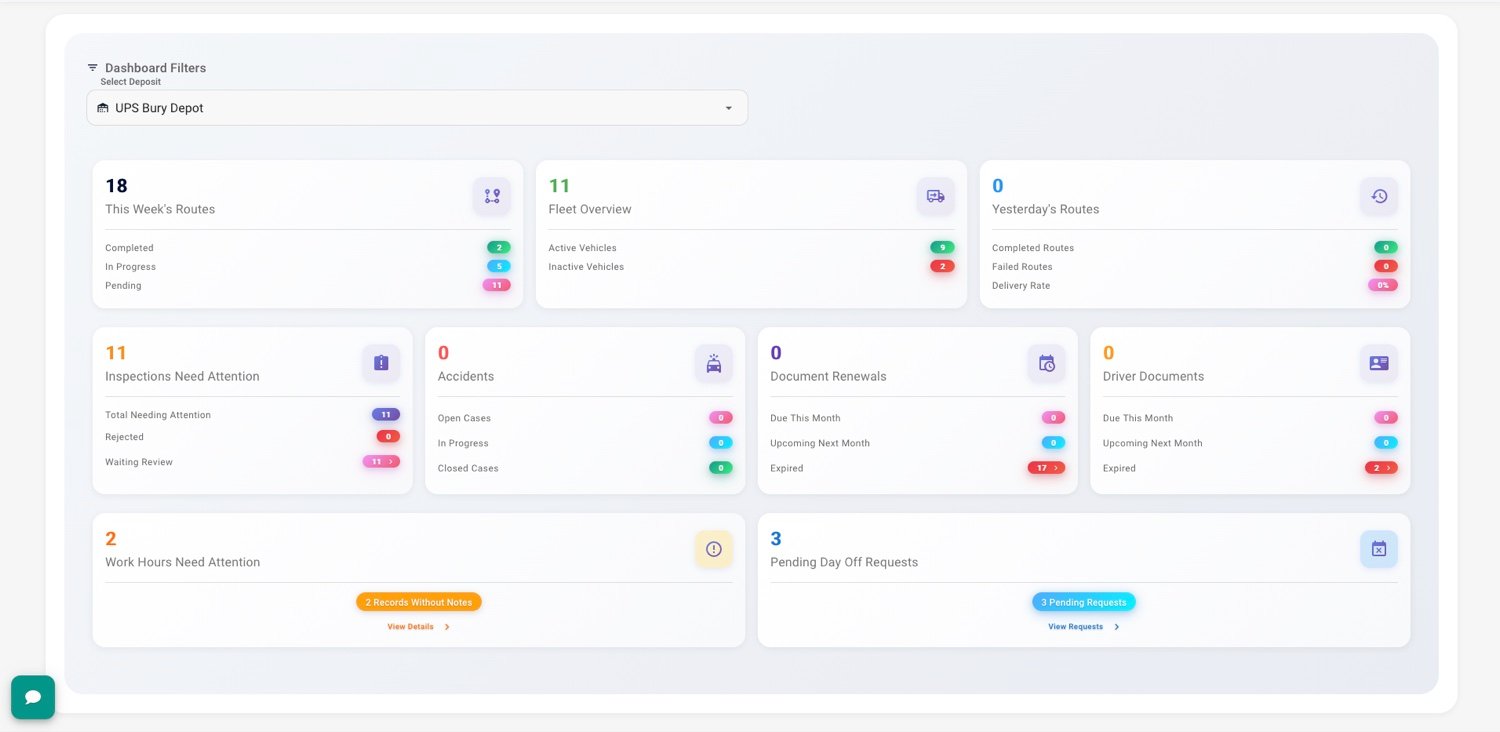
What clients do themselves.
Scoped web access
Verified customers get their own login to the dashboard, seeing only what belongs to them.
Their deliveries only
Each client sees their own orders, statuses and proofs, and nothing from anyone else.
POD self-service
Clients download proof of delivery for their own orders without an email to your team.
See the whole platform, not just one feature.
See it against your own data first.
- From login to a published route in under a minute
- Import orders from CSV or API
- Per-driver or per-order pricing
Common questions
Can I control what each client sees?
Yes. Access is scoped per client account: their orders, their statuses, their proofs, and nothing else.
How do a client’s orders get in?
Orders are brought in by spreadsheet import or the import API and land on the dispatch board; the client then follows them in the portal.
Is the portal branded?
It carries your brand, consistent with the public tracking pages your customers already see.